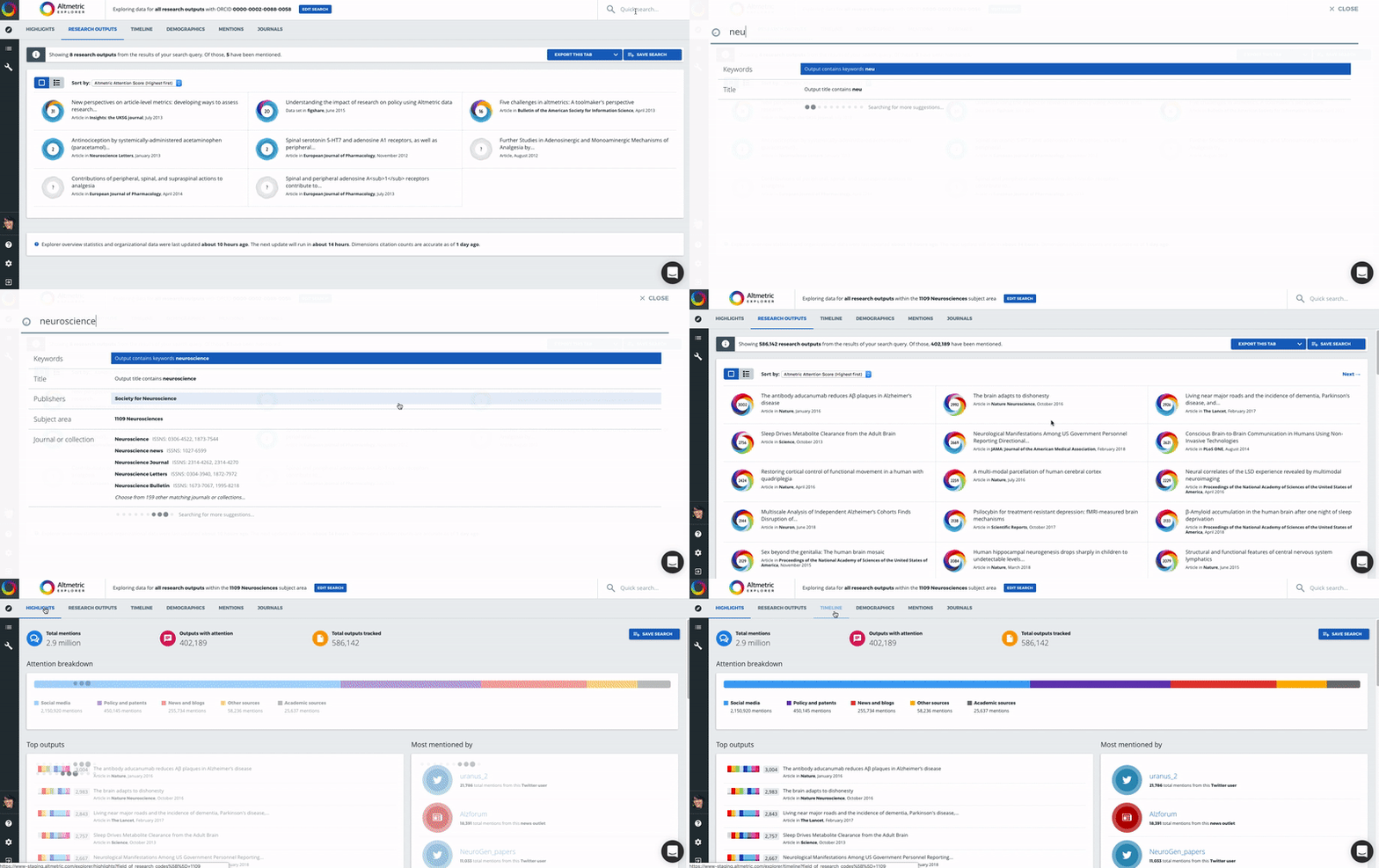
Quick Search
Edited
The Altmetric Explorer has a powerful search interface, with the option to choose between a Quick Search and an Advanced Search.
Quick Search
When you login, you'll see "Quick Search" at the top right hand side of the page.
Here you can enter a simple search term (such as a keyword, author name, department name, publication title, journal name, research output type, etc.) and dive into your Altmetric data right away.
If you are an Altmetric Explorer for Institutions user, you can also select whether or not to search within your own institution's verified research outputs, or expand your search to the full Altmetric database. You can read more about this functionality here.