
Explorer filters: Funder
The filters will allow users to quickly see and report on the engagement around funded research. It will allow you to find out how and by whom research is funded by a specific organization.
Search by funder name
Everyone who’s involved in the cycle of research funding, from staff at the funding organizations to research administrators and researchers, is required to demonstrate the impact of funded research. As citations sometimes take years to accrue, altmetrics can serve as an early indicator of impact before citations start to come in.
The Altmetric Explorer allows you to find out what online engagement published research funded by a specific funder has had. You can search for funders using both the Advanced Search and Quick Search menus, and can now search by name, acronym, or alias — you no longer need to know a funder’s exact full name or GRID ID. Funder names and data now come directly from the Dimensions organization database, keeping Altmetric in line with how funders are named across the rest of the Digital Science portfolio.
Improved autocomplete
The funder autocomplete matches against the full range of names a funder is known by, including acronyms and multilingual variants. Each result displays the number of Altmetric-tracked research outputs associated with that funder, so you can see at a glance how much coverage exists before selecting.
Parent organizations and subsidiaries
Funders are displayed with their subsidiaries nested underneath in the autocomplete.
Selecting a parent funder automatically includes all its subsidiaries in your search results.
To filter to specific subsidiaries only, select them individually without selecting the parent.
How to search by funder
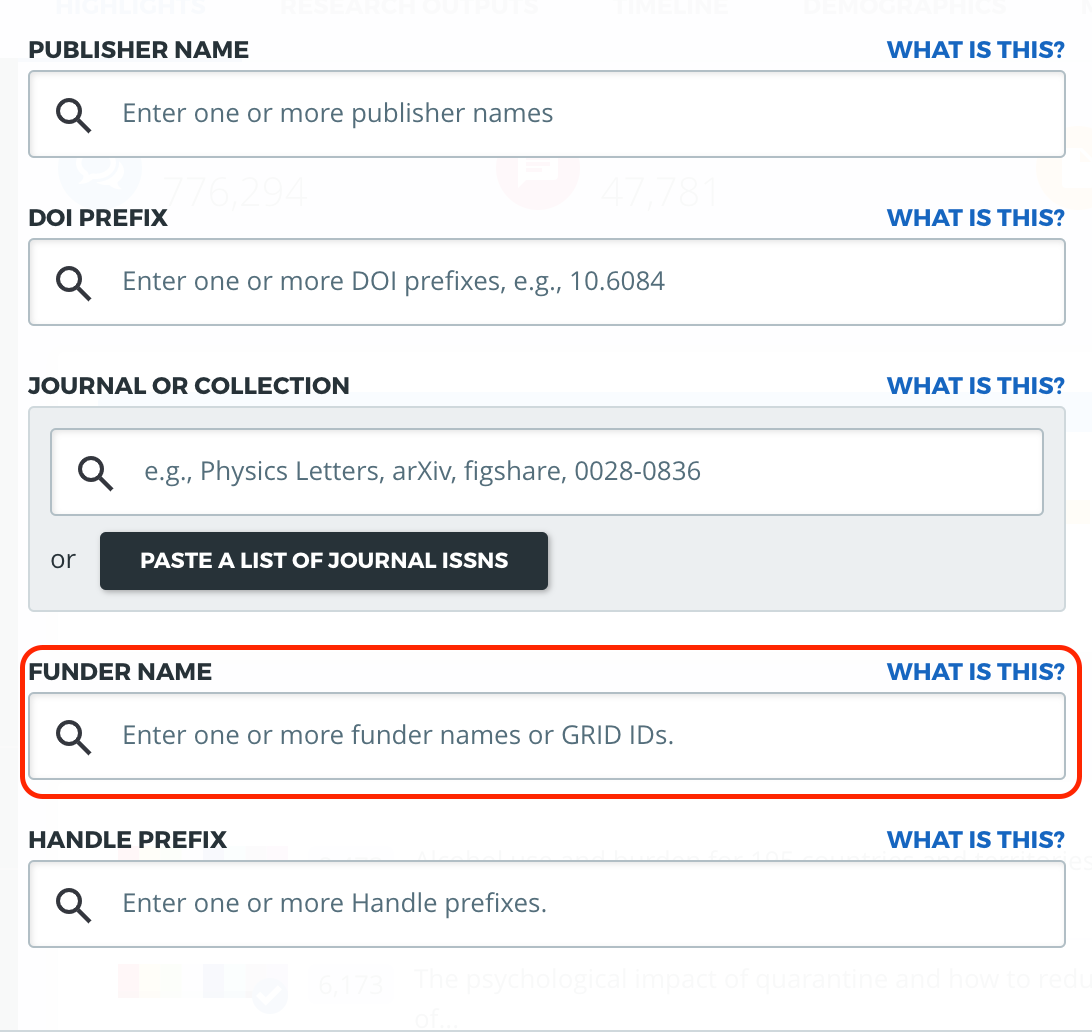
To search by funder name, from the Explorer homepage, open the Advanced Search by clicking on the blue button "Edit Search" at the top of your screen.
On the search window, scroll down until the field "Funder name" and enter the name of the funder you are looking for, then click "Run Search"
Funder data in exports and the API
Funder names for each associated research output are available within a new column of the Research Output CSV spreadsheet exports. For our API users, funders are also listed in the Research Outputs and Mentions endpoints of the Altmetric Explorer API.
What if I can’t find a funder?
The autocomplete displays funders that have research outputs tracked in Altmetric. If a funder doesn’t appear, try searching by acronym or a shorter version of the name. If you’re still unable to find it, please contact the Altmetric Support team.
Saved searches
Existing Funder filters in saved searches continue to work without any changes needed.