
Explorer filters: Type of Open Access
The Open Access filter allows users to understand the influence Open Access has on online attention and how research outputs have been discussed online.
The Altmetric Explorer, Explorer API and CSV spreadsheet exports retrieve all Open Access data from Dimensions. Open Access information is not always available for all research outputs as the Explorer can only identify the Open Access type of publications in Dimensions.
Filtering by Open Access type
Funders, research administrators and other people involved in research assessment are very interested in understanding how different types of Open Access of research outputs influence the subsequent Altmetric attention that the outputs receive.
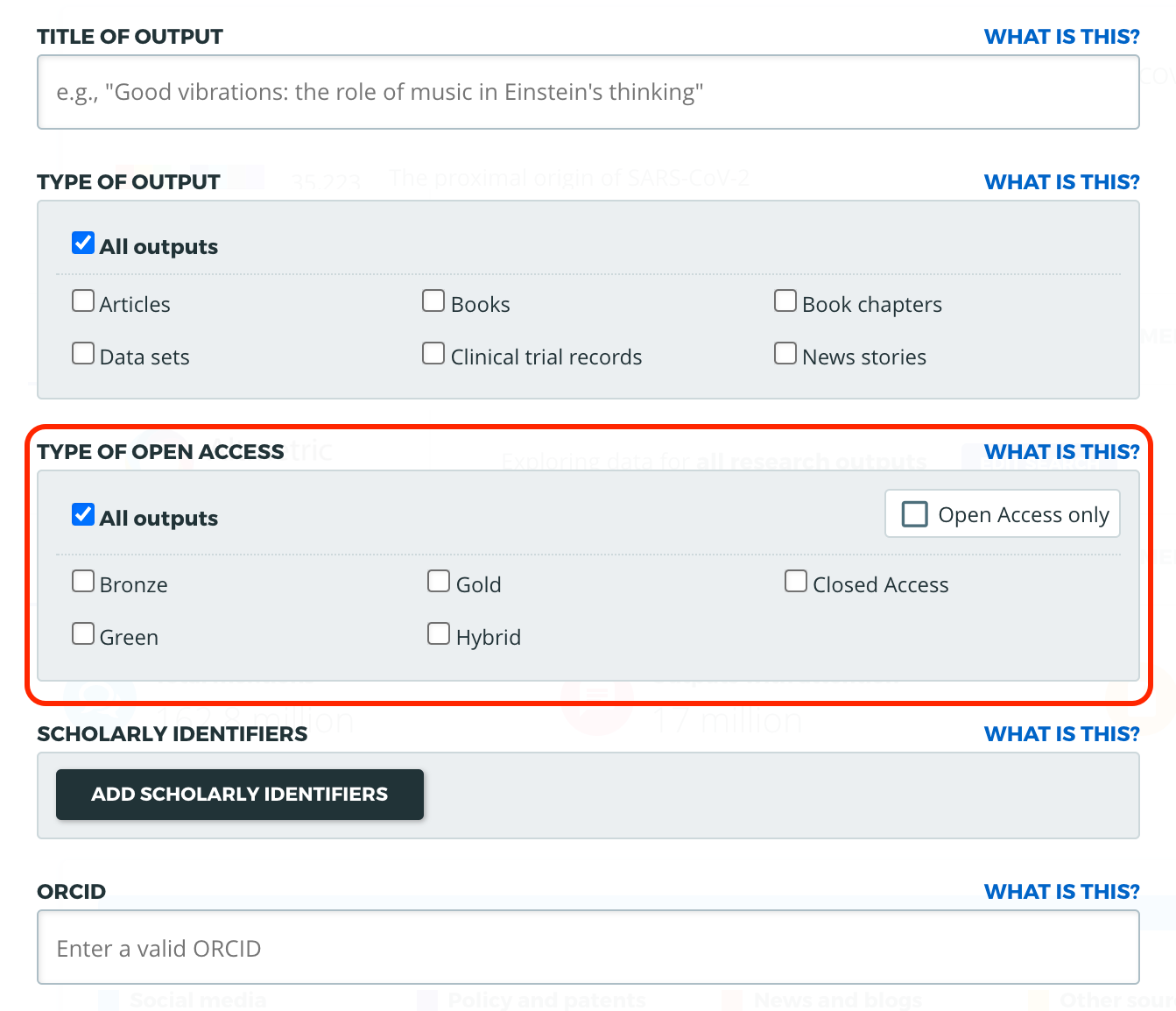
In the Advanced Search menu of the Altmetric Explorer, you can restrict your search results by selecting one or more Open Access types in the ‘Type of Open Access’ filter. This will return only research outputs that you have selected in your search results. The types of Open Access you can search are “Gold”, “Hybrid”, “Bronze”, “Green”, and “Closed Access”. You can find the table of Open Access definitions at the bottom of this page.
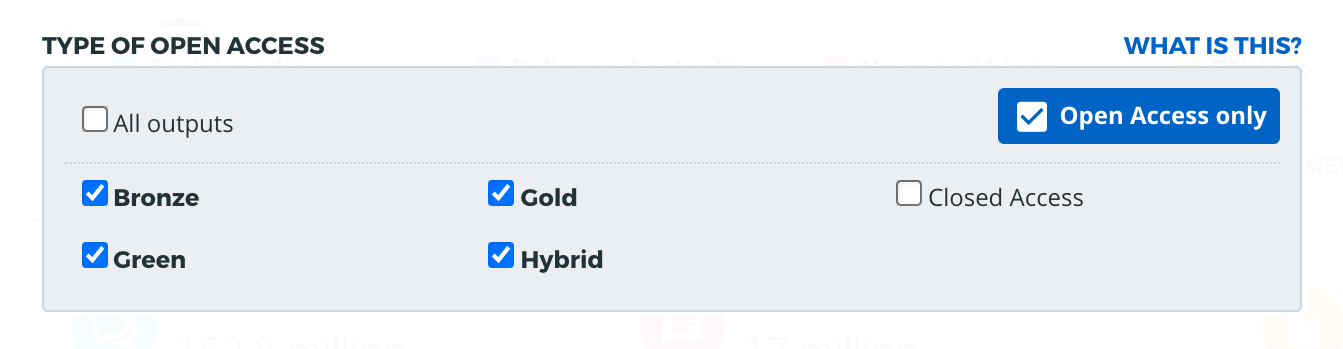
You can also select “Open Access only” to check only Open Access colours (everything except Closed Access).
Open Access definitions
In the table below is a list of definitions for each type of Open Access (“OA”). As Dimensions shares Open Access data with Altmetric, the definitions are the same.
OA type | Definition | Technical description |
Gold | Publication published in a full Open Access journal. | Unpaywall=Gold OR source title is on Dimensions’ full Open Access source title list |
Hybrid | Publication freely available under an open licence in a paid-access journal | Unpaywall=Hybrid |
Bronze | Document freely available on publisher page, but without an open licence and not in a full Open Access journal | Unpaywall=Bronze |
Green | Free copy of the publication available in an Open Access repository. | Unpaywall=Green OR Publication type in Dimensions is ‘Preprint’ |
Closed Access | No freely available copy has been identified. | All publications which are neither, Gold, Green, Hybrid nor Bronze |
Open Access in Explorer API & CSV exports
Open Access is indicated in two columns in the Explorer CSV spreadsheet exports, labelled “OA Status” and “OA Type”. Open Access is also listed in the Research Outputs and Mentions endpoints of the Altmetric Explorer API as “oa-status” and “oa-type”.
“OA Status” and “OA Type” are different. OA Status was the Explorer’s previous version of searching for Open Access research outputs. OA Status means a research output has been identified as either Open Access or closed (or no available copy has been marked as Open Access). The OA Status/oa-status fields have been kept to support users who are still using this data.
You can find the Open Access definitions for Altmetric outputs in the table below.
Explorer CSV export field | Explorer API field | When showing label/value | Definition |
OA Status | oa-status | TRUE | gold, green, hybrid or bronze |
FALSE | Closed or no freely available copy has been identified | ||
OA Type | oa-type | gold, green, hybrid, bronze and closed | Identifying a specific Open Access type |
Empty (CSV) / | No information available |