Sentiment analysis in Altmetric uses AI and LLM to interpret the opinions expressed in online mentions of research, currently focused on posts from selected social media.
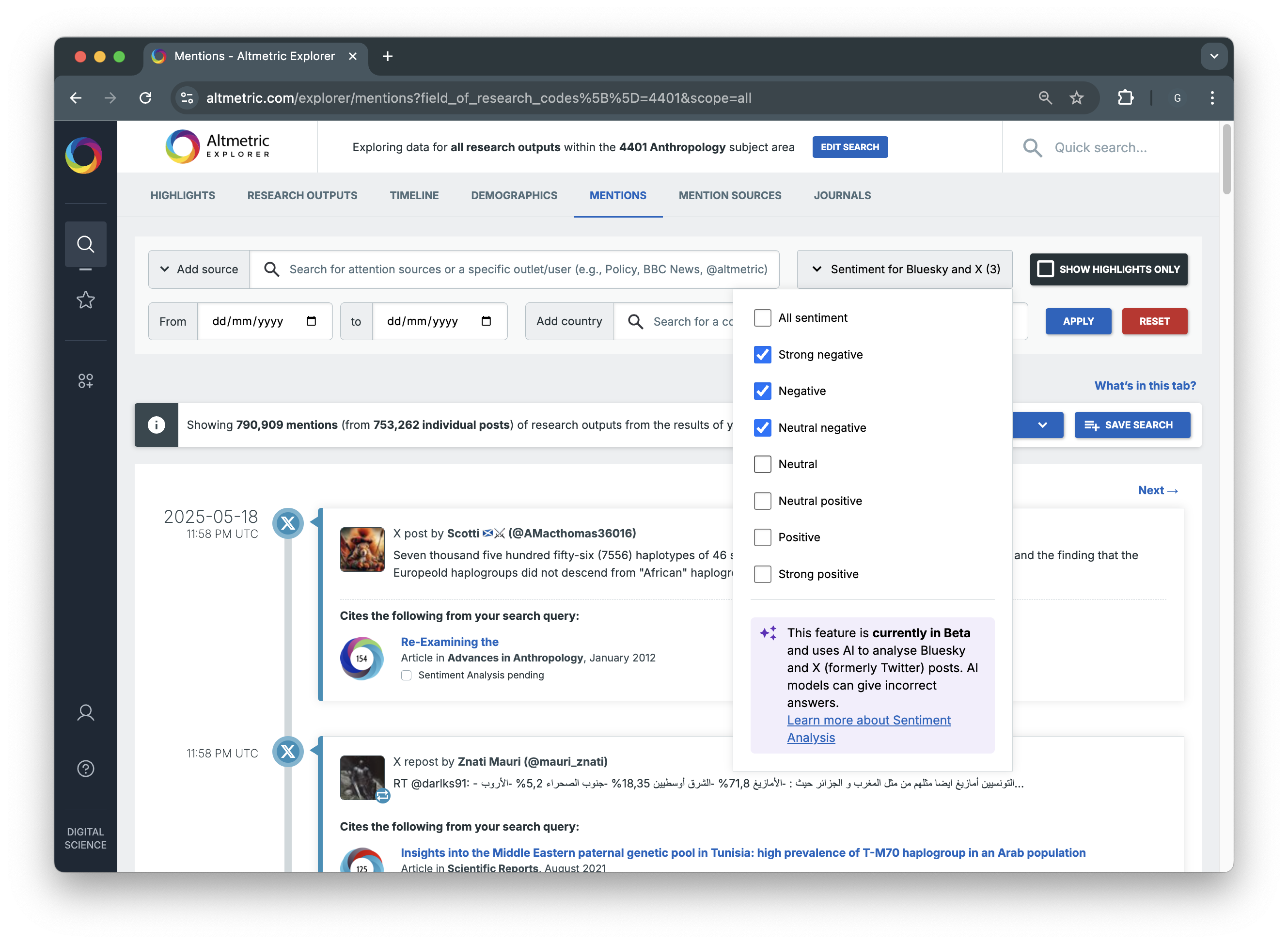
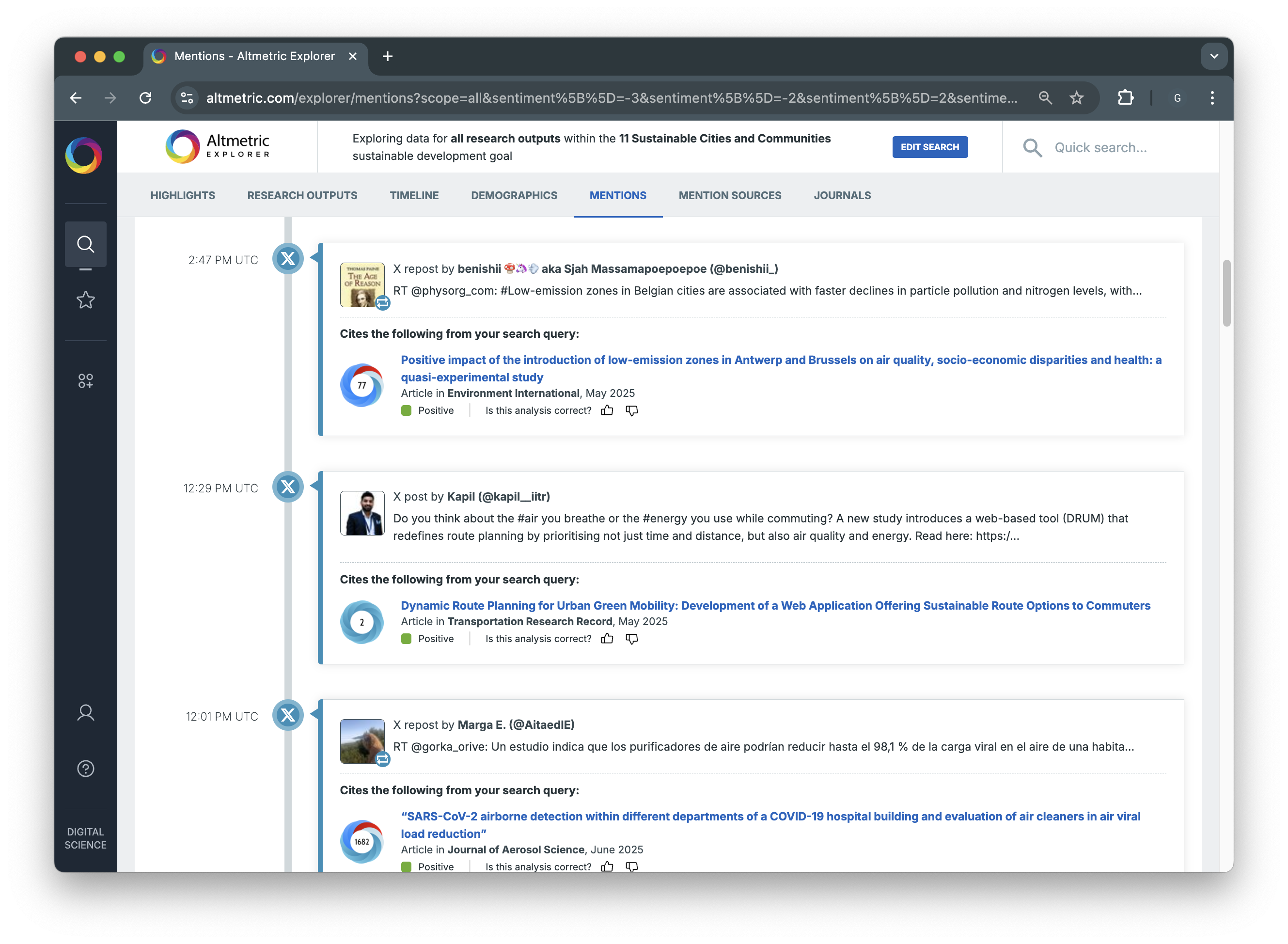
This feature assigns sentiment scores ranging from -3 (strongly negative) to 3 (strongly positive), helping users understand whether posts are supportive, critical, or neutral. Displayed in Altmetric Explorer and Details Pages, sentiment data adds valuable context to engagement metrics by revealing how research is perceived.
More information on sentiment analysis, score definitions, and usage can be found here.
Sentiment Analysis in Altmetric Explorer
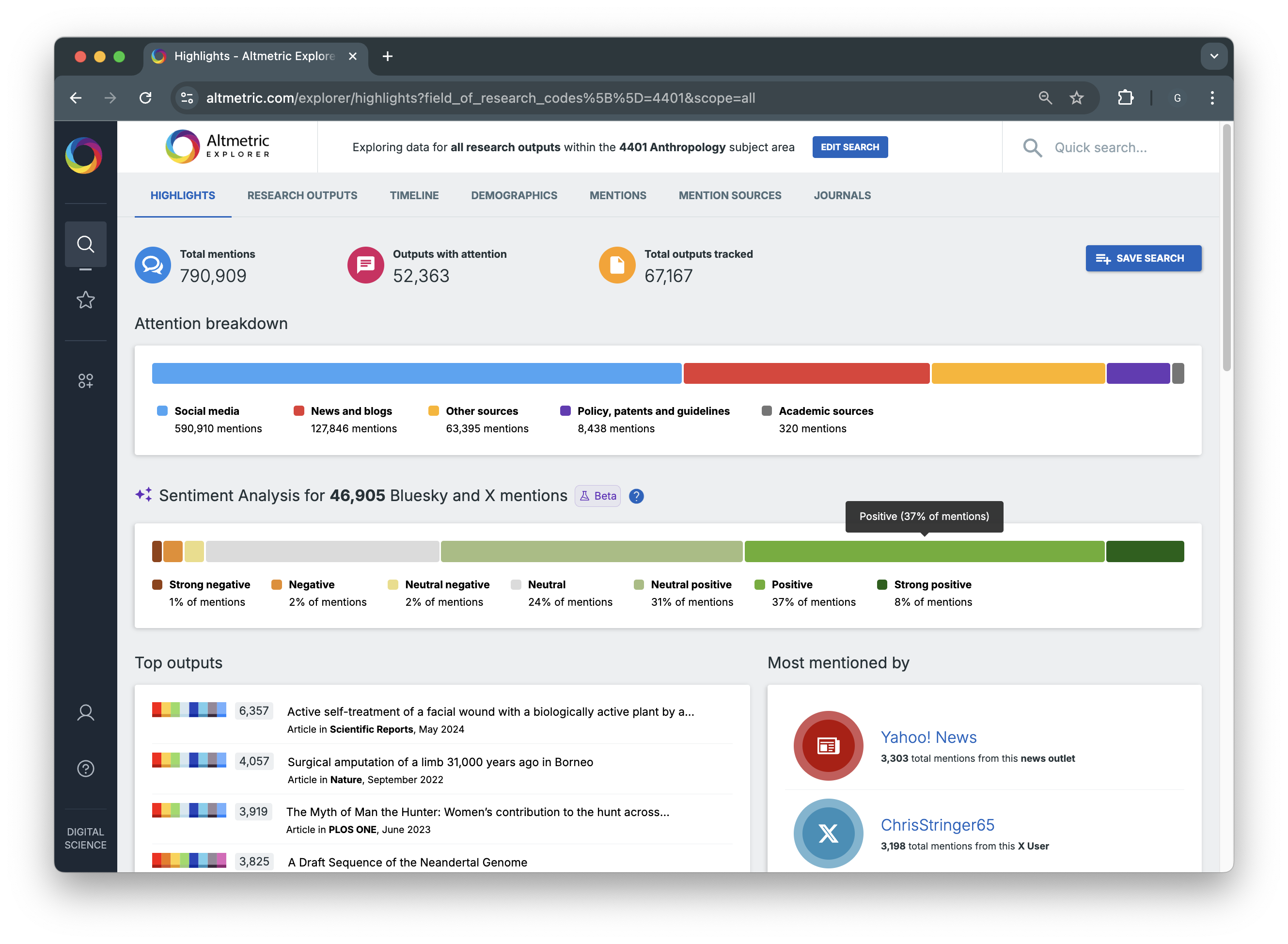
Sentiment Breakdown on the Highlights Tab
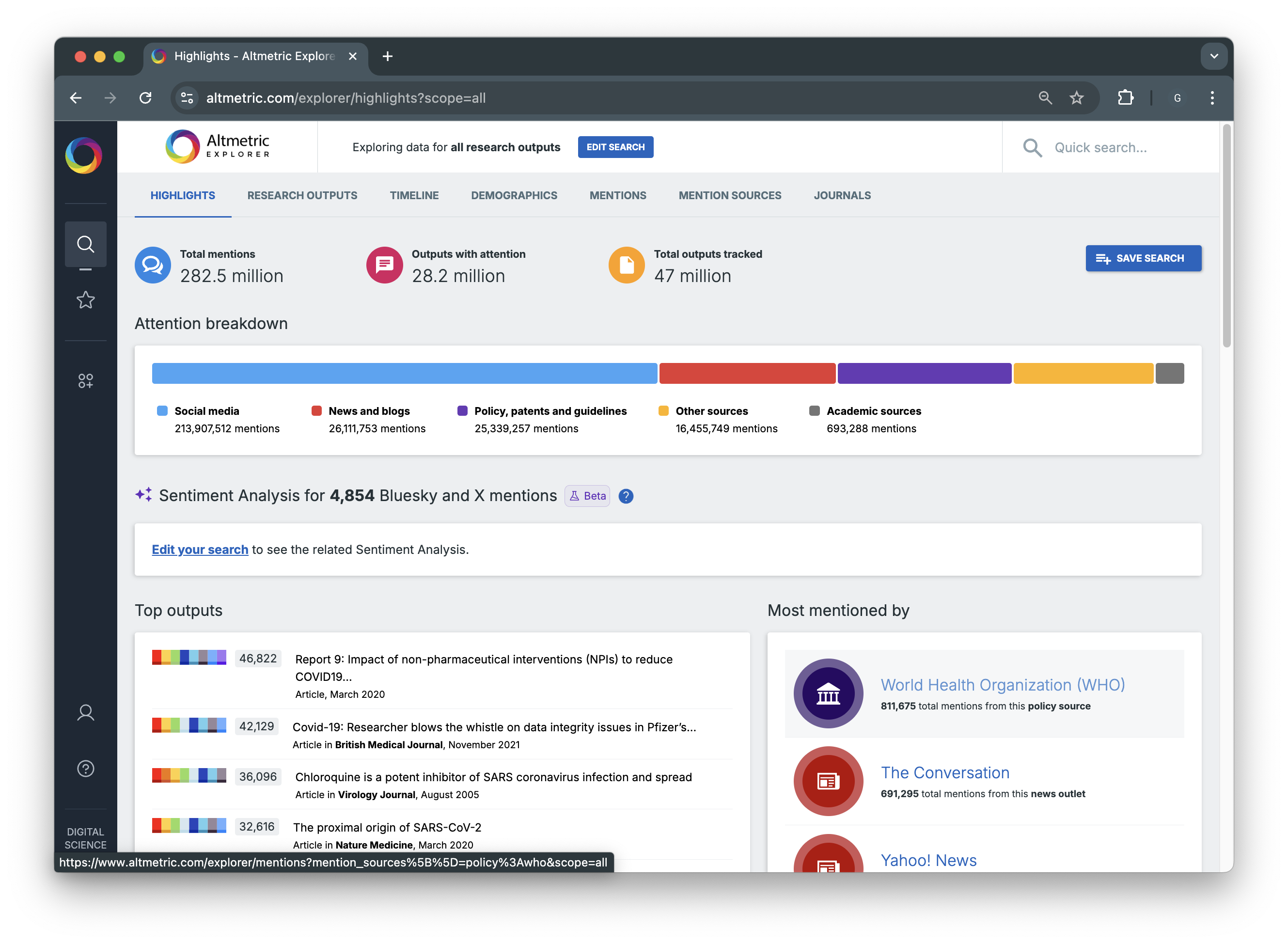
On the Highlights Tab, you may see an overall sentiment visualization for the set of research outputs included in your search query. This provides a high-level understanding of the general sentiment towards a collection of papers (e.g., all outputs that have been funded by a Grant). You may need to edit your search query before the sentiment breakdown appears.